Bulk add and role updates
Add users across projects, update roles, and review each target before execution.
 Autodesk Construction Cloud administration
Bulk user management for ACC and BIM 360 with dry-run previews, CREDS for write operations, operation history, and audit-ready evidence.
Barvinca gives BIM/VDC, IT, and construction technology teams one place to discover users, prepare bulk changes, review impact, execute safely, and keep records.
Add users across projects, update roles, and review each target before execution.
Prepare controlled removals with status tracking and operation records.
Review roles, companies, groups, templates, hygiene issues, and compliance signals.
Keep operation history, item outcomes, and audit trail context for support and internal review.
The first Marketplace version is intentionally focused on Bulk User Manager so reviewers and customers can evaluate a concrete workflow end to end.
Sign in with Autodesk and choose the account context for ACC or BIM 360 administration.
Inspect users, projects, roles, companies, groups, and governance signals.
Run dry-runs to see planned changes before Barvinca writes to Autodesk.
Run small, intentional operations with progress, retries, results, and audit history.
New users receive 50 CREDS once for real evaluation while limiting the blast radius of Autodesk write operations. Discovery, sync, setup checks, and dry-runs cost 0 CREDS.
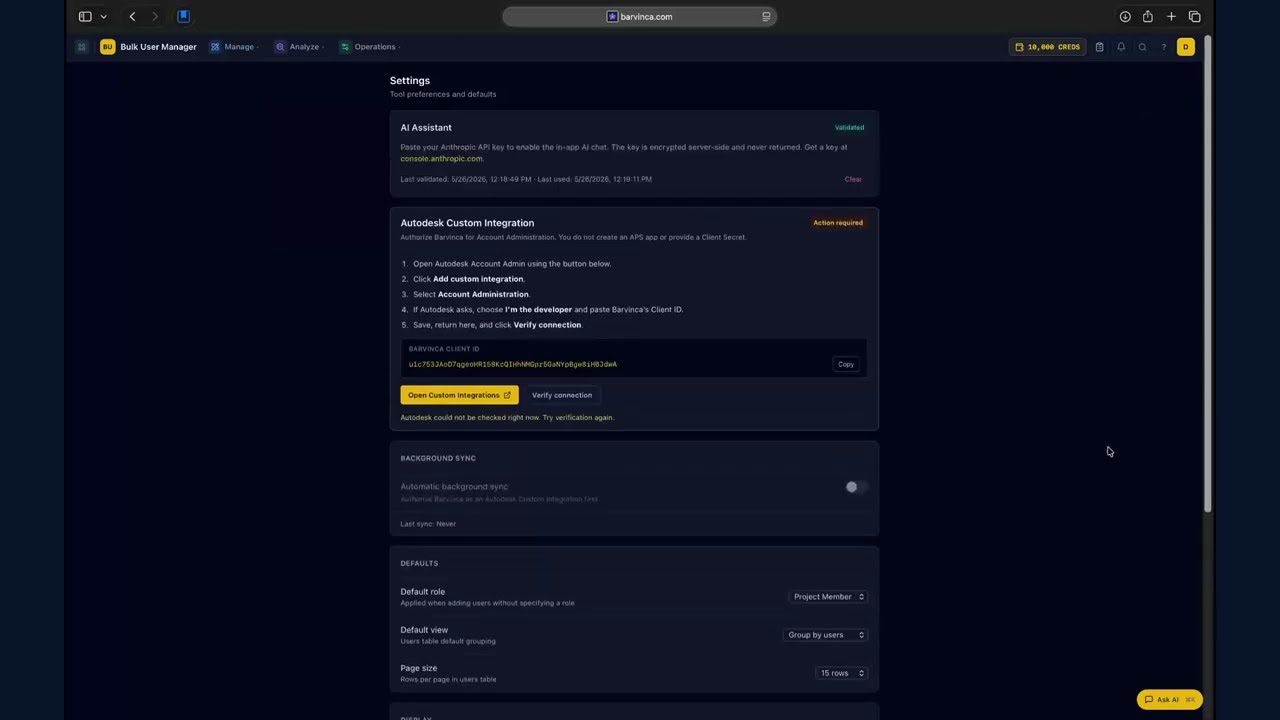
These are real Bulk User Manager screens: add-user workflow, operation history, and audit trail.
The blog is for practical ACC/BIM 360 administration guidance. News is for launch notes, support channels, and Marketplace preparation updates.
Read about bulk user management, dry-runs, offboarding, and using forum demand without turning community replies into ads.
Track product updates, token-balance positioning, channel setup, and public launch work as Barvinca moves toward Marketplace review.
Watch the Barvinca setup walkthrough, then open the channel for more ACC administration demos.
Join the Barvinca community to discuss workflows, ask questions, and follow product development.
Barvinca's first Autodesk Marketplace listing is a browser app for ACC and BIM 360 administration. New users receive a one-time 50 CREDS welcome balance; no payment is required to start.